
Tutorial and Support
An easy way to automate file sharing...
How to easily share up-to-date data and files without intervening every time
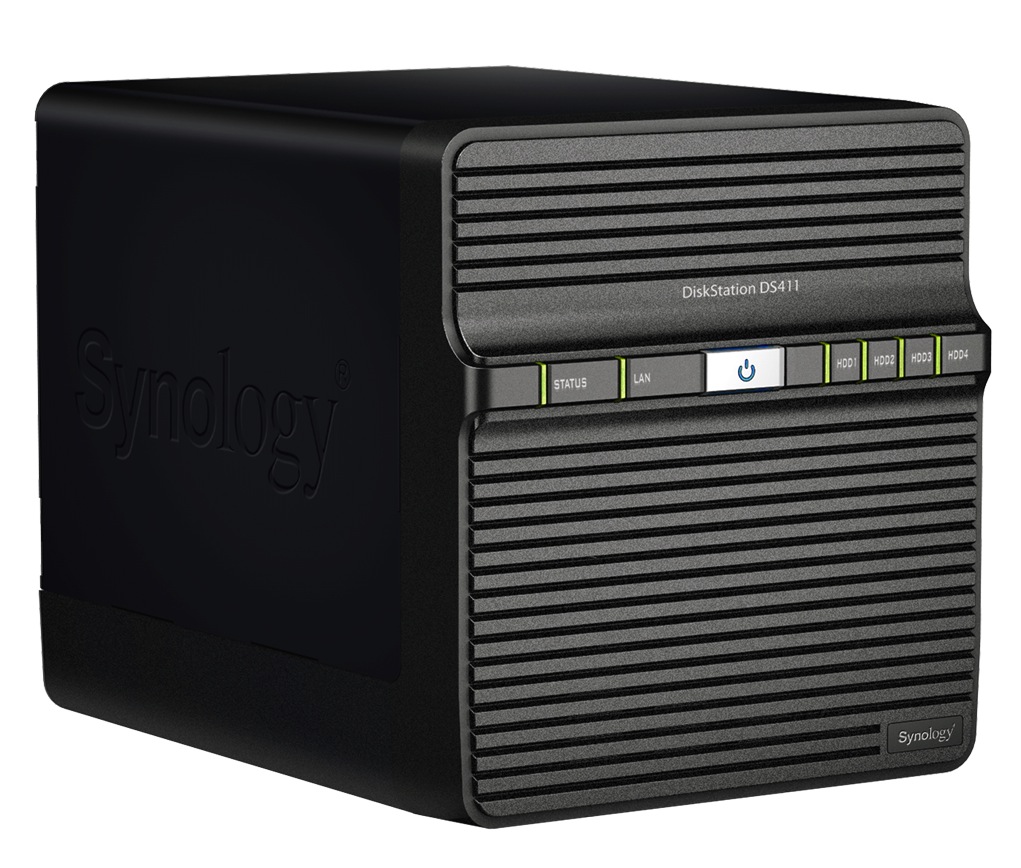
There are many ways to share files of all kinds with friends, colleagues or other smart devices, whether it be a single file or an entire folder on your computer, today we can choose from a wide range of services designed to facilitate this type of operation, without resorting to e-mail. A solution that I have recently put into practice, since I have to notify small reports on a daily basis, consists of a few simple steps. I started by saving the files produced in a dedicated folder on my Windows PC, then configured the Automatic BackUp application to transfer the folder to my Synology Server. This way everything I store inside the said folder from time to time will be copied to my Synology Server automatically in real time and without any further action. At this point I shared the cloned folder residing on the Synology Server by generating a link which I then sent to my co-worker via WhatsApp. From now on, when my co-worker wants to see any updates on the daily reports saved, he/she will just have to follow the same link provided, while I will just have to save my file in the folder as in any other case, my Synology NAS Server will take care of the rest.
Related products


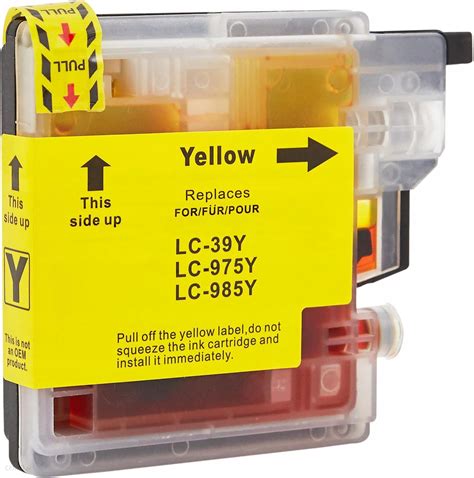
Compatible yellow Ink Cartridge LC980/985/1100 Y for Brother Printers
0.50 €
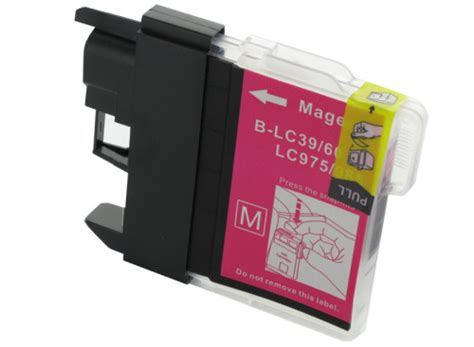
Compatible Black Ink Cartridge LC980/985/1100 M for Brother Printers
0.50 €
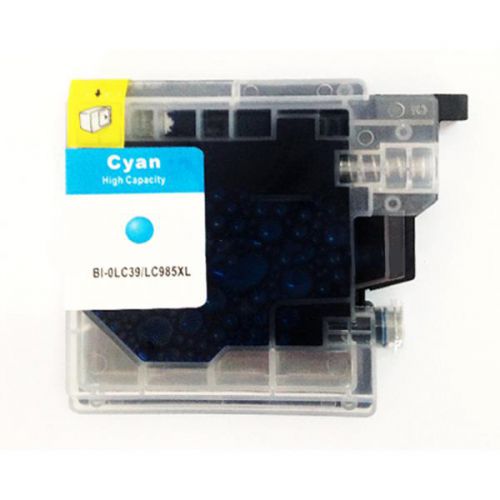
Compatible cyan Ink Cartridge LC980/985/1100 C for Brother Printers
0.50 €
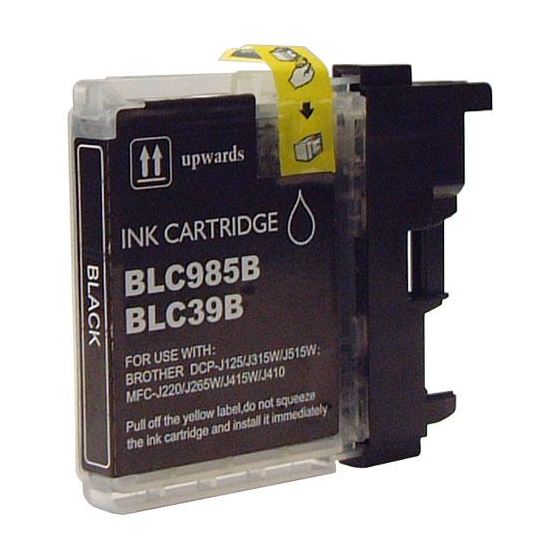
Compatible Black Ink Cartridge LC980/985/1100XL BK for Brother Printers
0.50 €
Secure USB stick 64GB
39.00 €
No products in this section.
Choose a list
Which list should this product go into?
Comments (0)
No comments yet. Be the first to comment.